
Smartphones have become an essential part of everyday life. We use them to communicate with family and friends, manage our finances, shop online, work remotely, store personal photos, and access sensitive information. Because smartphones hold so much valuable data, they have become a major target for cybercriminals.
Hackers are constantly developing new ways to steal personal information, install malicious software, and gain unauthorized access to mobile devices. Fortunately, protecting your smartphone doesn’t require advanced technical knowledge. By following a few simple cybersecurity practices, you can significantly reduce the risk of becoming a victim of mobile cyber threats.
In this guide, you’ll learn the most common smartphone security risks and practical steps to keep your device and personal information safe.
Why Smartphone Security Matters
Many people assume smartphones are safer than computers, but that’s not always true. In fact, smartphones often contain even more personal information, including:
- Emails
- Photos and videos
- Banking apps
- Credit card information
- Passwords
- Social media accounts
- Personal contacts
- Work-related files
If a cybercriminal gains access to your phone, they could steal your identity, access your financial accounts, or misuse your personal data.
Common Cyber Threats to Smartphones
Understanding the risks is the first step toward protecting your device.
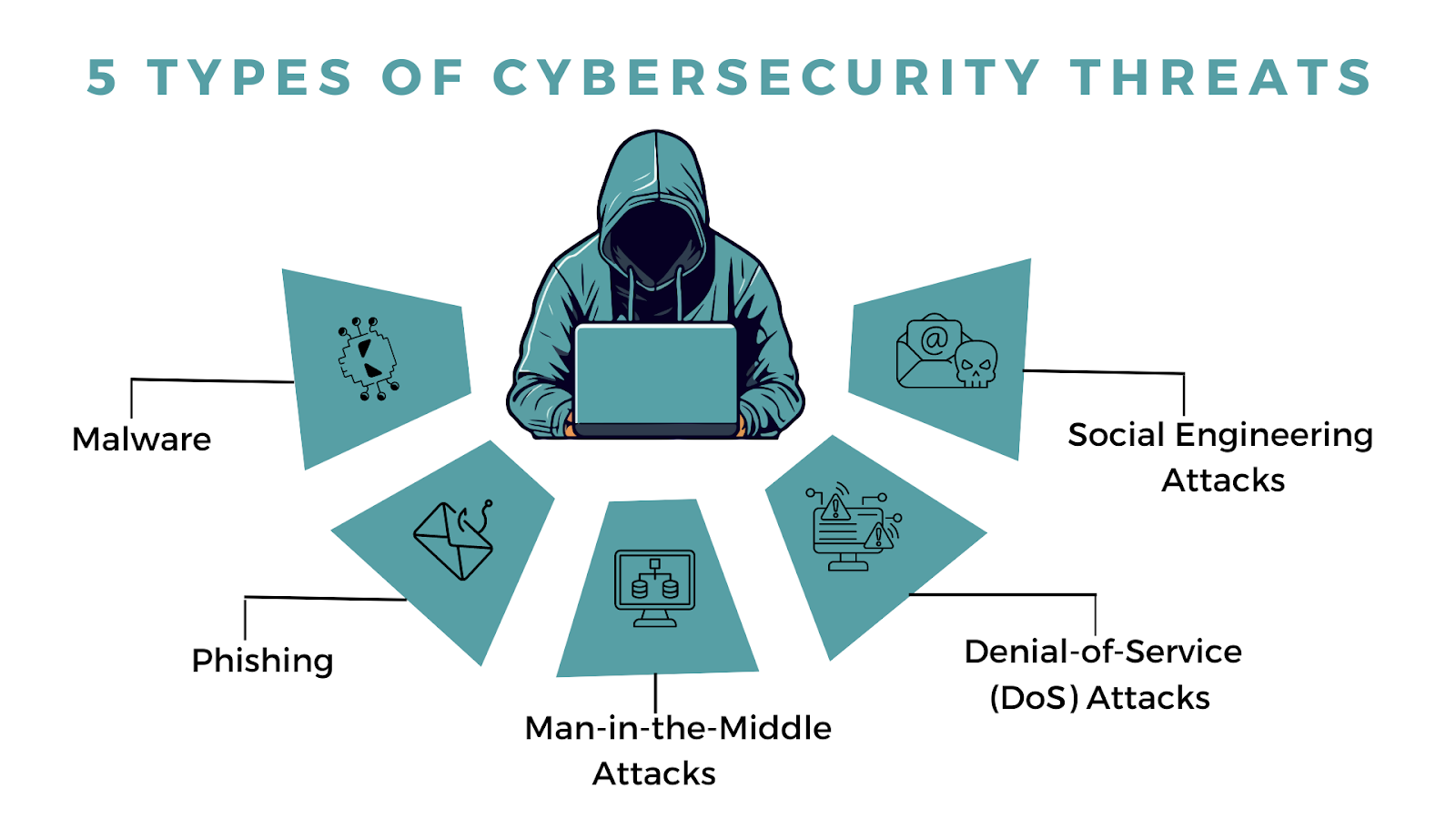
Some of the most common smartphone threats include:
- Malware and viruses
- Phishing messages
- Fake mobile apps
- Public Wi-Fi attacks
- Identity theft
- Data breaches
- Spyware
- SIM swapping
- Device theft
Knowing these threats helps you recognize suspicious activity before it becomes a serious problem.
1. Use a Strong Screen Lock
Your phone’s screen lock is the first line of defense if your device is lost or stolen.
Choose one of these secure options:
- A strong PIN (at least six digits)
- A complex password
- Fingerprint recognition
- Facial recognition
Avoid simple PINs like 1234, 0000, or your birth year, as they are easy to guess.
2. Keep Your Operating System Updated
Phone manufacturers regularly release security updates that fix newly discovered vulnerabilities.
Ignoring updates leaves your device exposed to known security risks.
To stay protected:
- Enable automatic updates.
- Install operating system updates as soon as they become available.
- Keep your apps updated as well.
These updates often include important security improvements that protect against the latest cyber threats.
3. Download Apps Only from Trusted Sources
One of the easiest ways for malware to reach your phone is through fake or modified apps.
To reduce your risk:
- Download apps only from official app stores.
- Check app reviews and ratings.
- Verify the developer’s name.
- Avoid downloading cracked or modified apps.
If an app requests unnecessary permissions, think carefully before installing it.
4. Review App Permissions
Many apps request access to information they don’t actually need.
For example, a flashlight app shouldn’t require access to your contacts, microphone, or location.
Regularly review app permissions and disable anything unnecessary.
Common permissions to check include:
- Camera
- Microphone
- Contacts
- Photos
- Location
- Calendar
Giving apps only the permissions they need helps protect your privacy.
5. Be Careful with Public Wi-Fi
Free Wi-Fi in airports, coffee shops, hotels, and shopping centers is convenient, but it can also expose your personal information.
Cybercriminals may intercept data transmitted over unsecured networks.
When using public Wi-Fi:
- Avoid online banking.
- Don’t enter sensitive passwords.
- Use a trusted VPN if possible.
- Turn off automatic Wi-Fi connections.
If available, using your mobile data connection is often a safer option.
6. Enable Multi-Factor Authentication (MFA)
Many of your mobile apps contain sensitive information.
Adding multi-factor authentication provides an extra layer of protection for accounts such as:
- Banking
- Cloud storage
- Social media
- Shopping accounts
Even if someone discovers your password, they’ll still need the second verification step to access your account.
7. Watch Out for Phishing Messages
Phishing isn’t limited to email. Attackers also target smartphone users through:
- Text messages (smishing)
- Messaging apps
- Social media
- Fake customer support chats
These messages often contain malicious links or ask for personal information.
Before clicking any link:
- Verify the sender.
- Read the message carefully.
- Visit official websites directly instead of using provided links.
8. Install Reliable Mobile Security Software
Although modern smartphones include built-in security features, additional protection can help detect threats.
Mobile security apps may offer:
- Malware scanning
- Safe browsing
- Anti-theft features
- Privacy monitoring
- App security checks
Choose security software from a trusted provider and keep it updated.
9. Back Up Your Data Regularly
Losing your smartphone doesn’t have to mean losing your important information.
Regular backups allow you to recover:
- Photos
- Videos
- Contacts
- Documents
- Messages
- App settings
Automatic cloud backups make this process easy and help ensure your data remains protected if your phone is lost, stolen, or damaged.
10. Avoid Charging Through Unknown USB Ports
Public USB charging stations can sometimes pose a security risk if they have been tampered with.
To reduce the risk:
- Use your own wall charger whenever possible.
- Carry a portable power bank.
- Use a USB data blocker if you must charge from a public USB port.
This helps prevent unauthorized data access while charging.
11. Turn On “Find My Device”
If your smartphone is lost or stolen, device tracking features can help you:
- Locate your phone
- Lock it remotely
- Display a contact message
- Erase sensitive data if recovery isn’t possible
Enable your phone’s built-in device-finding feature before you need it. It can save valuable time and protect your personal information.
12. Lock SIM Cards with a PIN
Your SIM card can be a target for criminals attempting SIM-swapping attacks or unauthorized use.
Adding a SIM PIN provides an extra layer of protection if someone removes your SIM card and inserts it into another device.
Check with your mobile carrier for instructions on enabling this feature.
Signs Your Smartphone May Be Compromised
Be alert for unusual behavior, including:
- Rapid battery drain
- Frequent pop-up advertisements
- Unknown apps appearing
- Increased data usage
- Slow performance
- Overheating without heavy use
- Unexplained text messages or calls
- Unauthorized account activity
These signs don’t always indicate malware, but they should be investigated promptly.
What to Do If Your Smartphone Is Hacked
If you suspect your phone has been compromised:
- Disconnect from the internet.
- Run a security scan using reputable mobile security software.
- Remove suspicious apps.
- Change passwords for important accounts.
- Enable multi-factor authentication if it isn’t already active.
- Update your phone to the latest software version.
- Contact your mobile carrier if you suspect SIM-related fraud.
- Reset your device to factory settings if necessary, after backing up important data.
Acting quickly can limit the damage and help secure your accounts.
Everyday Smartphone Security Tips
Make these habits part of your routine:
- Lock your phone whenever you’re not using it.
- Avoid clicking suspicious links in emails or text messages.
- Keep Bluetooth turned off when not in use.
- Log out of sensitive apps on shared devices.
- Regularly review installed apps and remove those you no longer use.
- Monitor your financial accounts for unusual activity.
Small precautions can make a big difference in protecting your digital life.
Final Thoughts
Your smartphone is much more than a communication device—it’s a portable storage center for your personal information, financial data, and online identity. That’s why keeping it secure should be a priority.
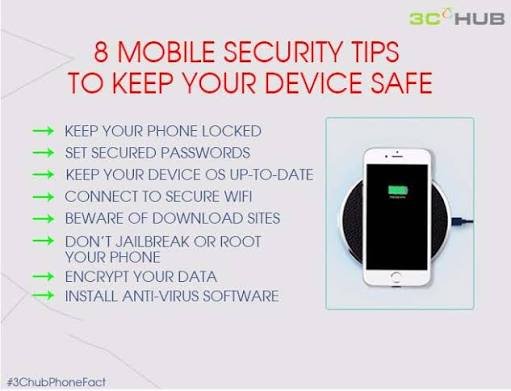
By using strong screen locks, keeping your software updated, downloading apps only from trusted sources, enabling multi-factor authentication, avoiding suspicious links, and backing up your data regularly, you can significantly reduce your risk of falling victim to cyber threats.
Cybersecurity doesn’t have to be complicated. Building a few simple security habits into your daily routine can help keep your smartphone, your information, and your online accounts safe in an increasingly connected world.