
The internet has become an essential part of everyday life. We use it to communicate, shop, manage finances, work remotely, and store important personal information. While these digital conveniences make life easier, they also create opportunities for cybercriminals. Online hackers are constantly searching for ways to steal personal information, including passwords, financial details, and private data.
Fortunately, protecting your personal information doesn’t require advanced technical knowledge. By following a few smart cybersecurity practices, you can significantly reduce your risk of becoming a victim of online attacks. This guide explains practical steps anyone can take to stay safe online.
Why Personal Information Is Valuable to Hackers
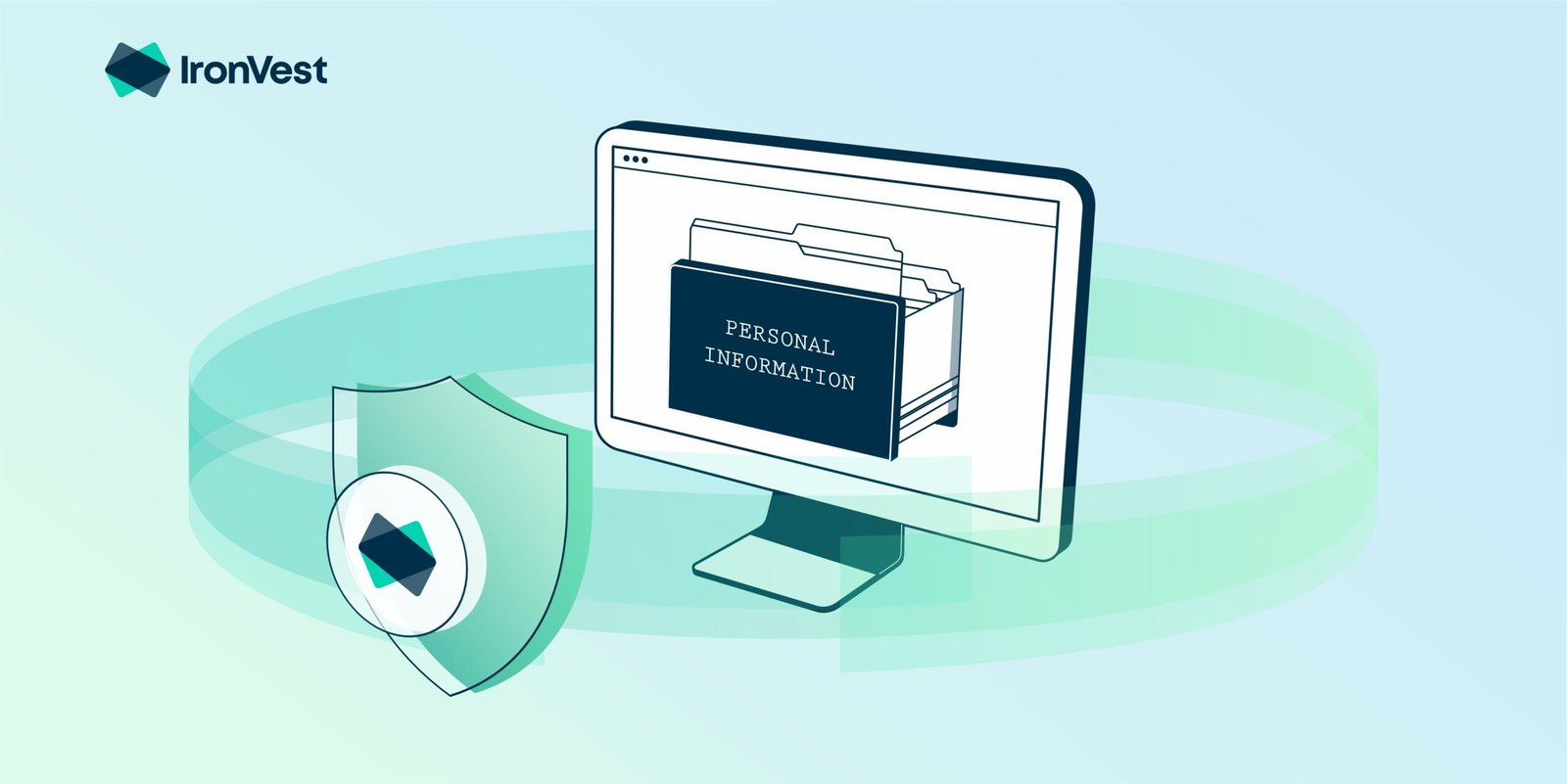
Your personal information is more valuable than you might think. Cybercriminals can use stolen data to commit identity theft, access bank accounts, make fraudulent purchases, or even impersonate you online.
Some of the most commonly targeted information includes:
- Full name and date of birth
- Home address and phone number
- Email addresses
- Login usernames and passwords
- Credit and debit card details
- Bank account information
- National identification numbers
- Medical and insurance records
Even seemingly harmless information shared online can help hackers build a profile for targeted attacks.
1. Create Strong and Unique Passwords
Passwords are the first line of defense for your online accounts. Weak or reused passwords make it much easier for hackers to gain unauthorized access.
A strong password should:
- Be at least 12–16 characters long
- Include uppercase and lowercase letters
- Contain numbers and special characters
- Avoid personal information like birthdays or names
Most importantly, use a different password for every account. If one account is compromised, your other accounts will remain protected.
Using a password manager can make it easier to create and store complex passwords securely.
2. Enable Multi-Factor Authentication (MFA)
Even strong passwords can sometimes be stolen through phishing or data breaches. Multi-factor authentication adds an extra layer of protection by requiring a second verification step before allowing access.
Common MFA methods include:
- Authentication apps
- Security keys
- One-time verification codes
- Biometric verification such as fingerprints or facial recognition
Whenever possible, enable MFA for email, banking, social media, and cloud storage accounts.
3. Be Careful with Phishing Scams
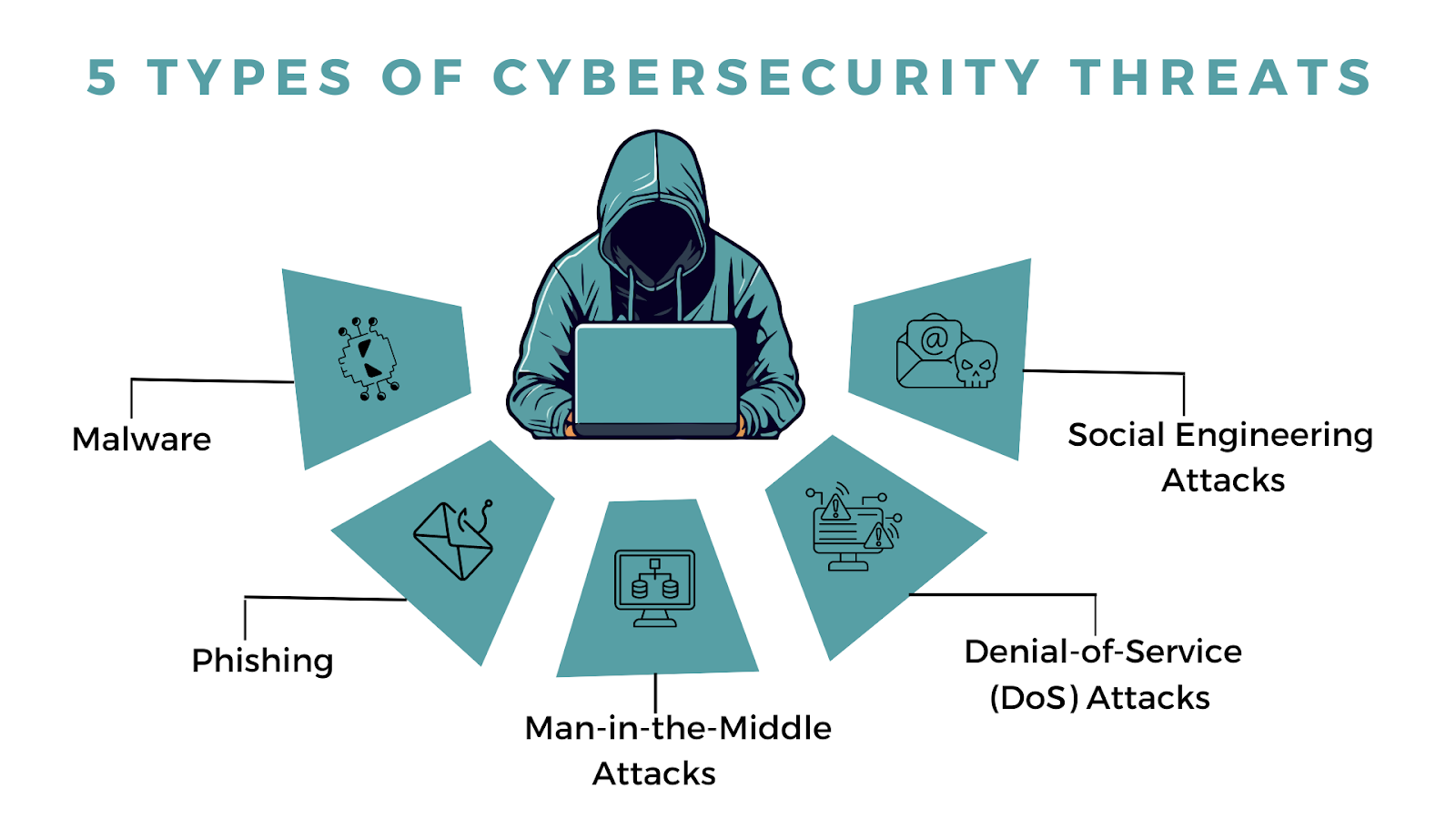
Phishing remains one of the most effective methods hackers use to steal personal information. Attackers create fake emails, text messages, or websites that appear legitimate.
Warning signs include:
- Urgent requests for immediate action
- Unexpected attachments
- Misspelled company names
- Suspicious links
- Requests for passwords or payment information
Before clicking any link, verify the sender and check the website address carefully.
4. Keep Your Software Updated
Hackers often exploit security vulnerabilities found in outdated software.
Regular updates fix these weaknesses and improve device security.
Make sure to update:
- Operating systems
- Web browsers
- Mobile apps
- Antivirus software
- Routers and smart home devices
Turning on automatic updates helps ensure you never miss important security patches.
5. Avoid Public Wi-Fi for Sensitive Activities
Free Wi-Fi at airports, coffee shops, hotels, and shopping centers may not be secure.
Hackers can intercept information transmitted over unsecured networks, including login credentials and payment details.
If you must use public Wi-Fi:
- Avoid online banking
- Don’t enter sensitive passwords
- Use a trusted VPN
- Turn off file sharing
Whenever possible, use your mobile data connection for sensitive transactions.
6. Think Before You Share on Social Media
Many people unknowingly reveal personal information that hackers can use.
Avoid publicly sharing:
- Home address
- Phone number
- Travel plans
- Birthdays
- Family details
- Answers to common security questions
Review your privacy settings regularly and limit who can see your personal posts.
7. Download Apps and Files Only from Trusted Sources
Malicious software often disguises itself as free apps, games, or software downloads.
Protect yourself by:
- Downloading apps only from official app stores
- Visiting official software websites
- Avoiding pirated software
- Scanning downloaded files with antivirus software
If a download seems too good to be true, it probably is.
8. Back Up Important Data Regularly
Ransomware attacks can lock your files and demand payment for their release.
Having secure backups means you can recover your data without paying cybercriminals.
A good backup strategy includes:
- Cloud storage
- External hard drives
- Automatic scheduled backups
Keep at least one backup disconnected from your computer to protect it from ransomware.
9. Monitor Your Financial Accounts
Regularly checking your bank and credit card statements helps you detect suspicious activity early.
Watch for:
- Unauthorized purchases
- Unknown account logins
- Password reset notifications
- Unexpected banking alerts
The sooner you notice unusual activity, the faster you can respond.
10. Stay Informed About New Cyber Threats
Cybersecurity threats constantly evolve. New scams appear every year, targeting both individuals and businesses.
Make cybersecurity education part of your routine by:
- Reading trusted technology news
- Following official security updates
- Learning about common online scams
- Teaching safe online habits to family members
Awareness is one of the strongest defenses against cybercrime.
Common Mistakes to Avoid
Many people unknowingly make simple mistakes that increase their cybersecurity risk. Avoid these common habits:
- Reusing the same password across multiple accounts
- Ignoring software updates
- Clicking unknown email links
- Sharing too much personal information online
- Using unsecured public Wi-Fi without protection
- Downloading files from unreliable websites
- Disabling antivirus software
- Skipping regular data backups
Avoiding these mistakes can greatly improve your online security.
Final Thoughts
Protecting your personal information from online hackers doesn’t require expensive tools or advanced technical skills. It starts with building smart digital habits and staying alert to potential threats. Simple actions like creating strong passwords, enabling multi-factor authentication, updating your software, and being cautious with emails and downloads can dramatically reduce your risk.
As cyber threats continue to evolve, staying informed and proactive is your best defense. Every step you take to secure your personal information helps protect your identity, finances, and privacy. In today’s connected world, cybersecurity isn’t just an option—it’s an essential part of everyday life.